Customers: Place & Track Orders · 1 MIN READ
Order a part from a listing
Who this is for: Customers
Steps
- Open the part details and check its description and vehicle compatibility.
- Choose the quantity you need and use the order action.
- Review the order details and add a clear note where offered, then submit.
- Open Orders to follow the order and contact the seller.
Before you finish
Tracked stock limits availability. Unlimited-stock listings show Available instead of a stock number. An order does not guarantee stock until the seller completes the sale.
Screen guide
Fictional development examples. Prices, balances and account details are not real transactions.
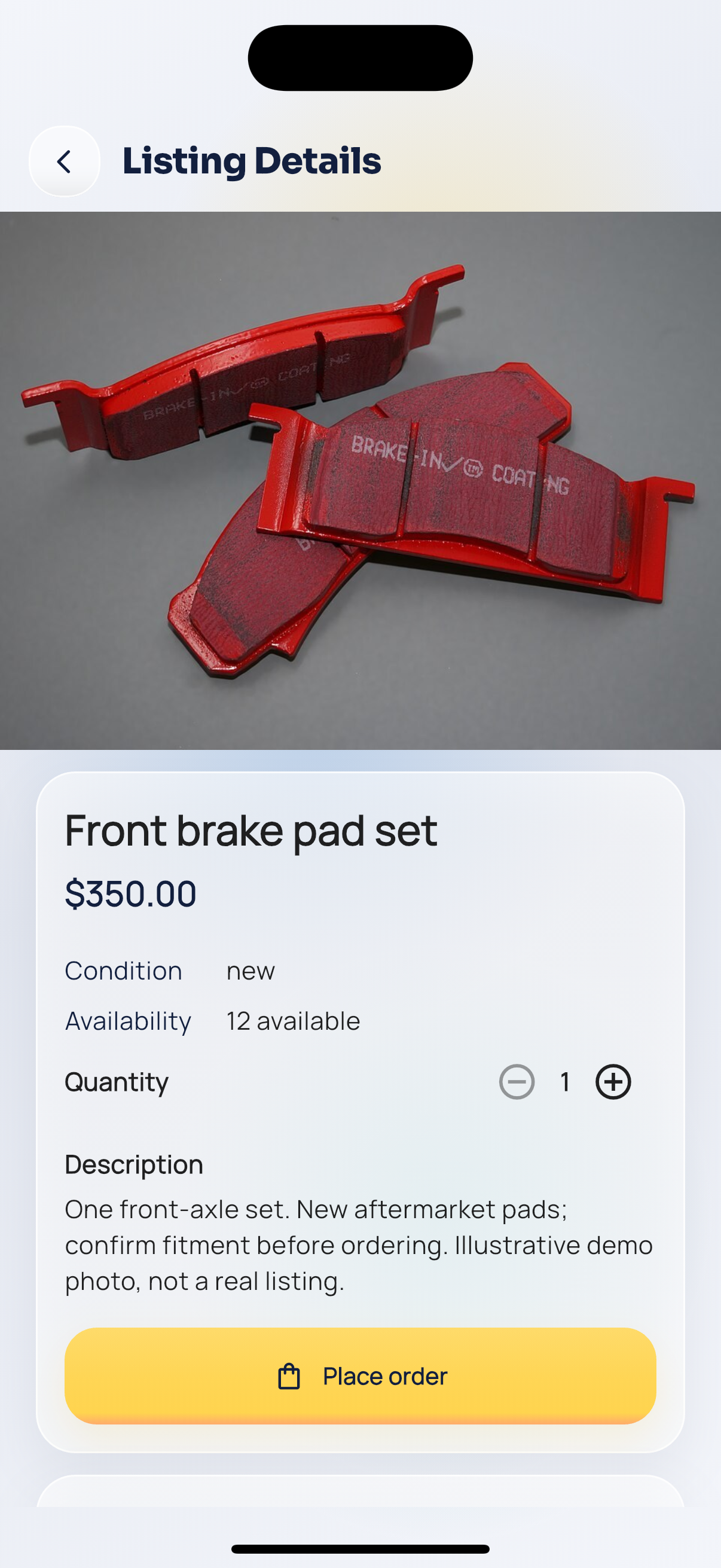
Part details.
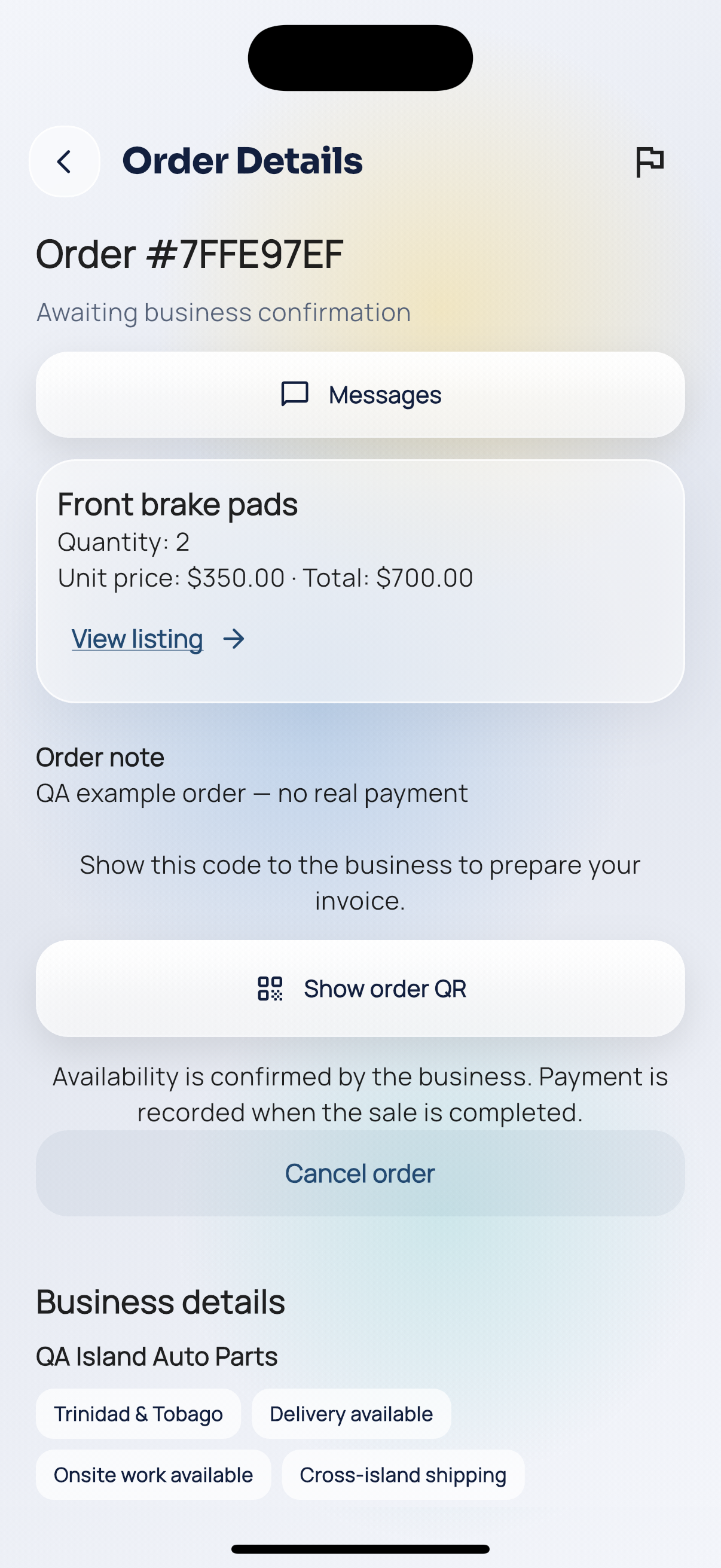
Order pending.