Customers: Place & Track Orders · 1 MIN READ
Use your order QR code and receipt
Who this is for: Customers
Steps
- Open the correct order’s details when meeting the business.
- Choose Show order QR and let the business scan that code.
- Confirm the actual items, services, delivery fees and final amount directly with the business before paying.
- After completion, open the receipt from the order or sale history.
Before you finish
The seller records the sale. Customers can check the resulting receipt; this flow does not provide a separate draft-invoice approval screen. Paying for a purchase is separate from the business’s app subscription.
Screen guide
Fictional development examples. Prices, balances and account details are not real transactions.
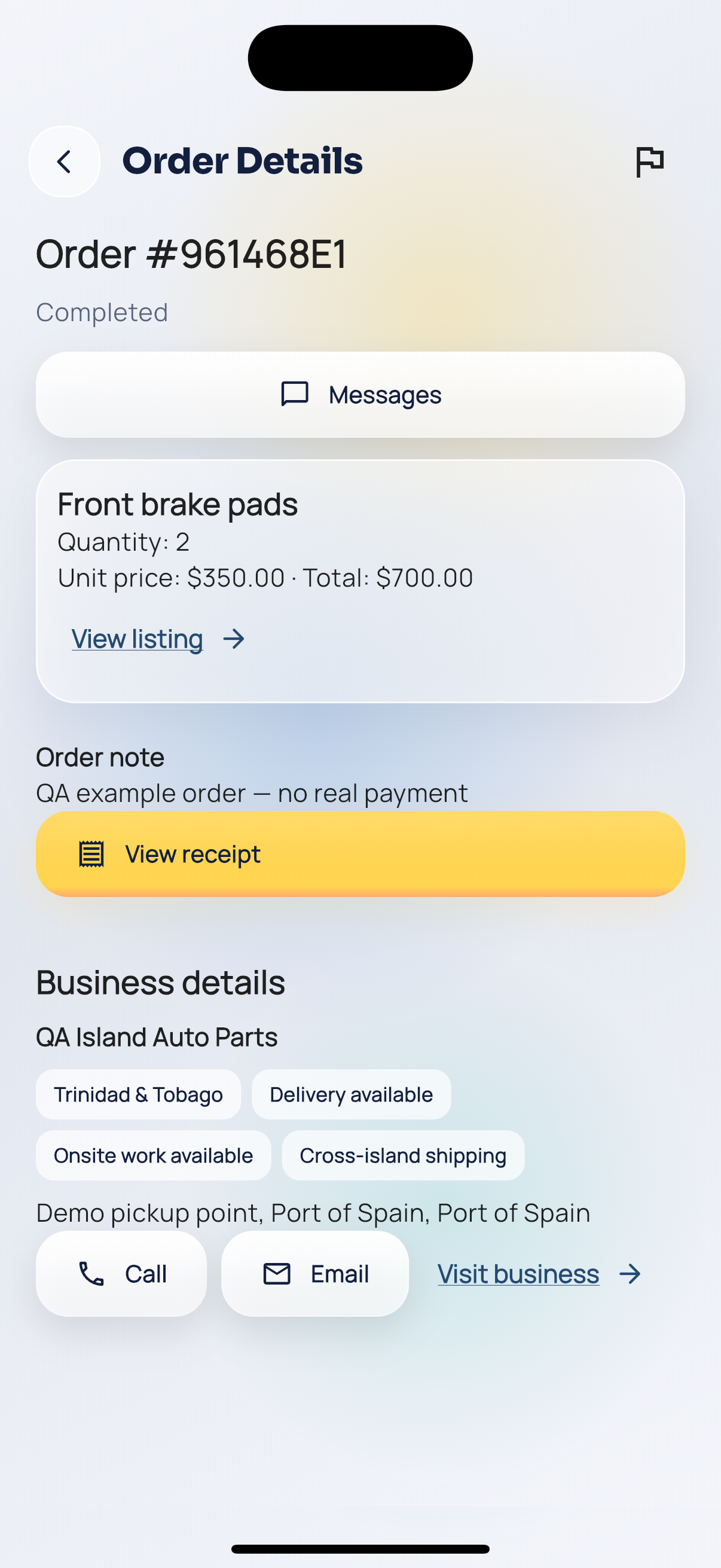
Order completed.
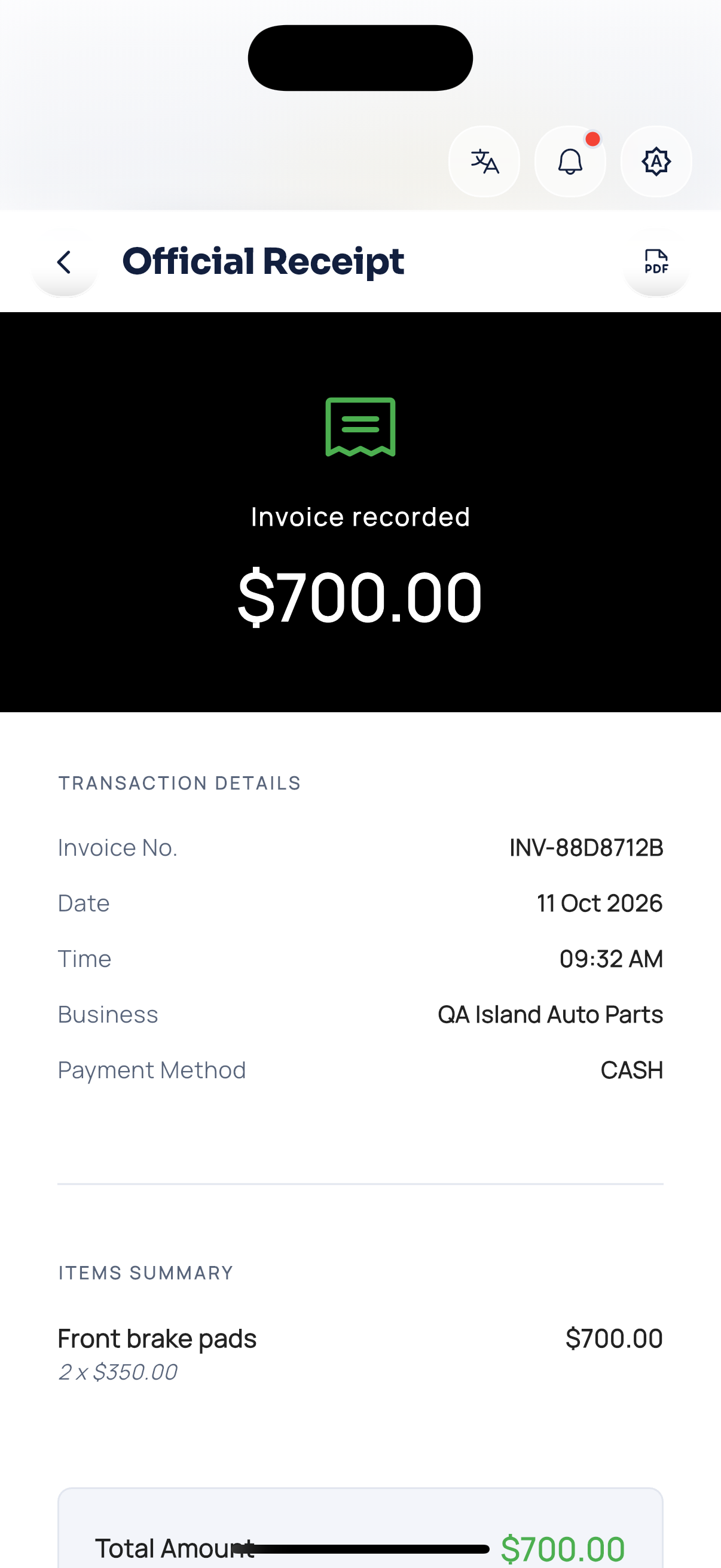
Customer receipt.