Customers: Place & Track Orders · 1 MIN READ
Understand sold-out or sold-item alerts
Who this is for: Customers
Steps
- Open the notification telling you that a vehicle was sold or a part became unavailable.
- Open the linked order and check its current state.
- Contact the business to confirm whether it can offer an alternative.
- Browse another listing or post a request if you still need the item.
Before you finish
Do not assume a pending order reserves inventory. Unlimited-stock parts remain available after a sale unless the business changes their availability.
Screen guide
Fictional development examples. Prices, balances and account details are not real transactions.
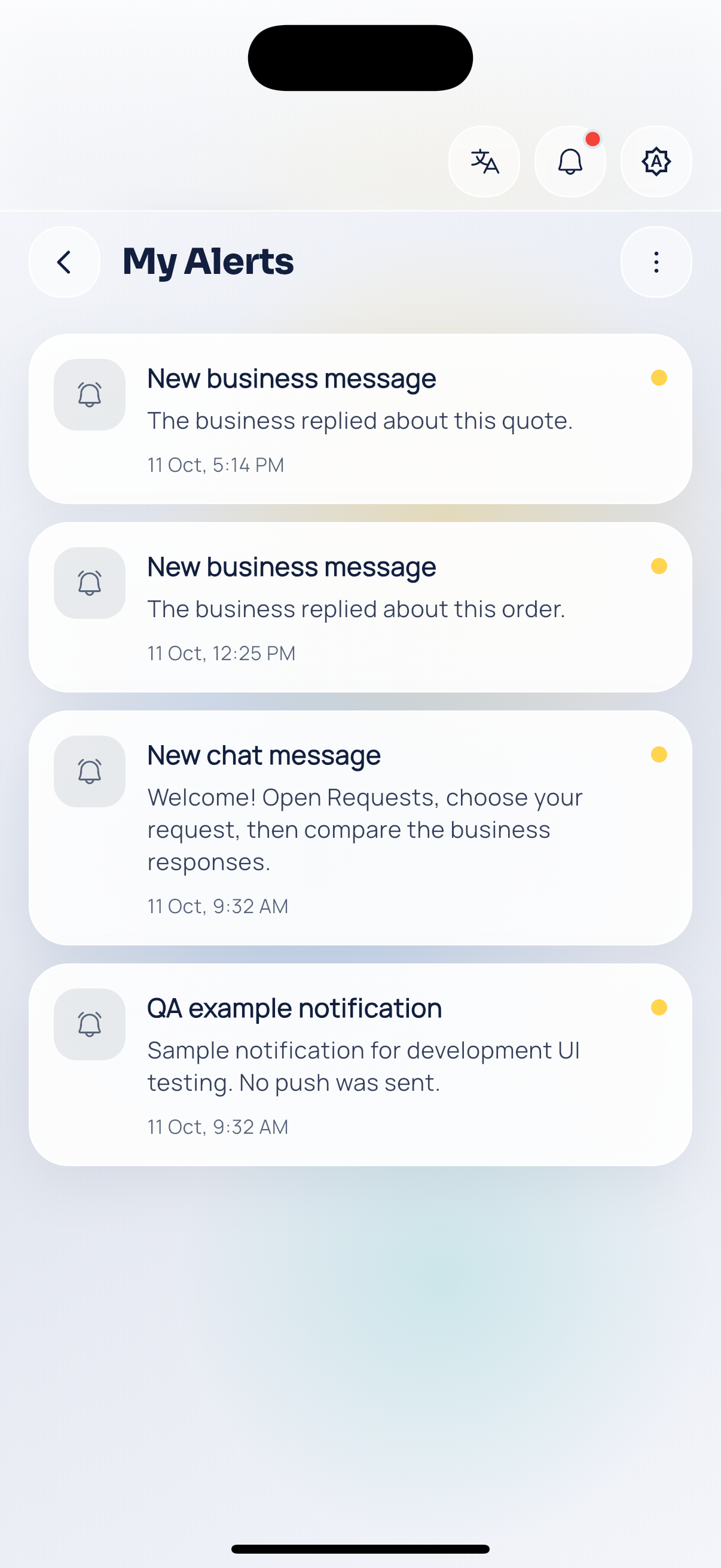
Customer notifications.