Businesses: Orders, Invoices & Fulfilment · 2 MIN READ
Print delivery and cross-island packing slips
Who this is for: Business owners and permitted staff
Steps
- Open a completed physical marketplace order.
- For delivery, ensure the business offers delivery and the invoice includes a positive Delivery fee.
- For an eligible cross-island shipment, ensure shipping is enabled and the recipient is in another country.
- Open the available packing slip and check recipient details before printing.
- Use the delivery slip’s driver/customer signature areas, or the shipment slip’s contents/recipient information.
Before you finish
Packing slips are for completed eligible orders. Shipment slips list contents and recipient information without prices. Changes made for a printout do not automatically edit the customer’s profile.
Screen guide
Fictional development examples. Prices, balances and account details are not real transactions.
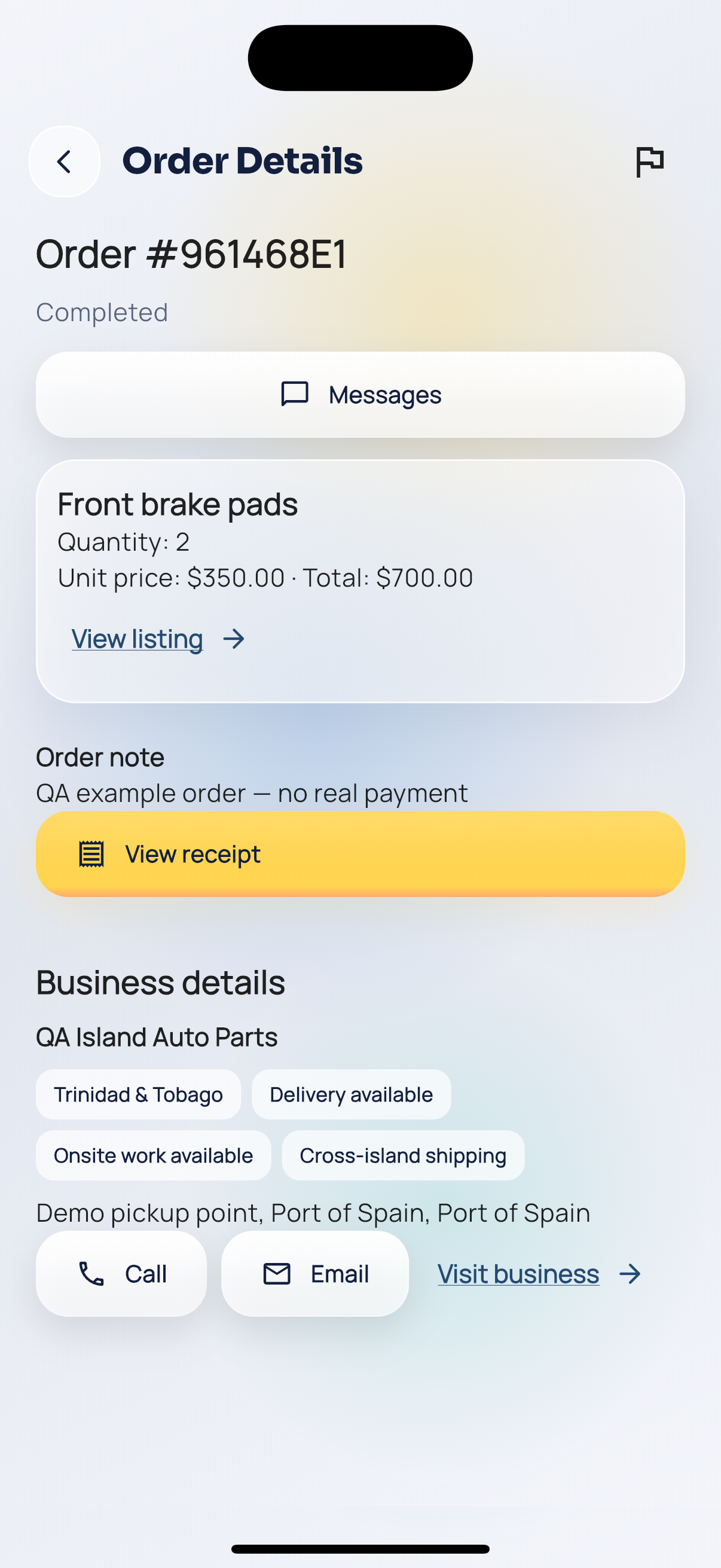
Order completed.