Businesses: Orders, Invoices & Fulfilment · 1 MIN READ
Review completed sales and receipts
Who this is for: Business owners and permitted staff
Steps
- Open your business sales/history area.
- Use search, sort and filters to find a transaction.
- Open the sale to review customer, items, adjustments and payment information.
- Print/download the available invoice or receipt.
Before you finish
Keep sale records accurate and use the record reference when asking support about a transaction.
Screen guide
Fictional development examples. Prices, balances and account details are not real transactions.
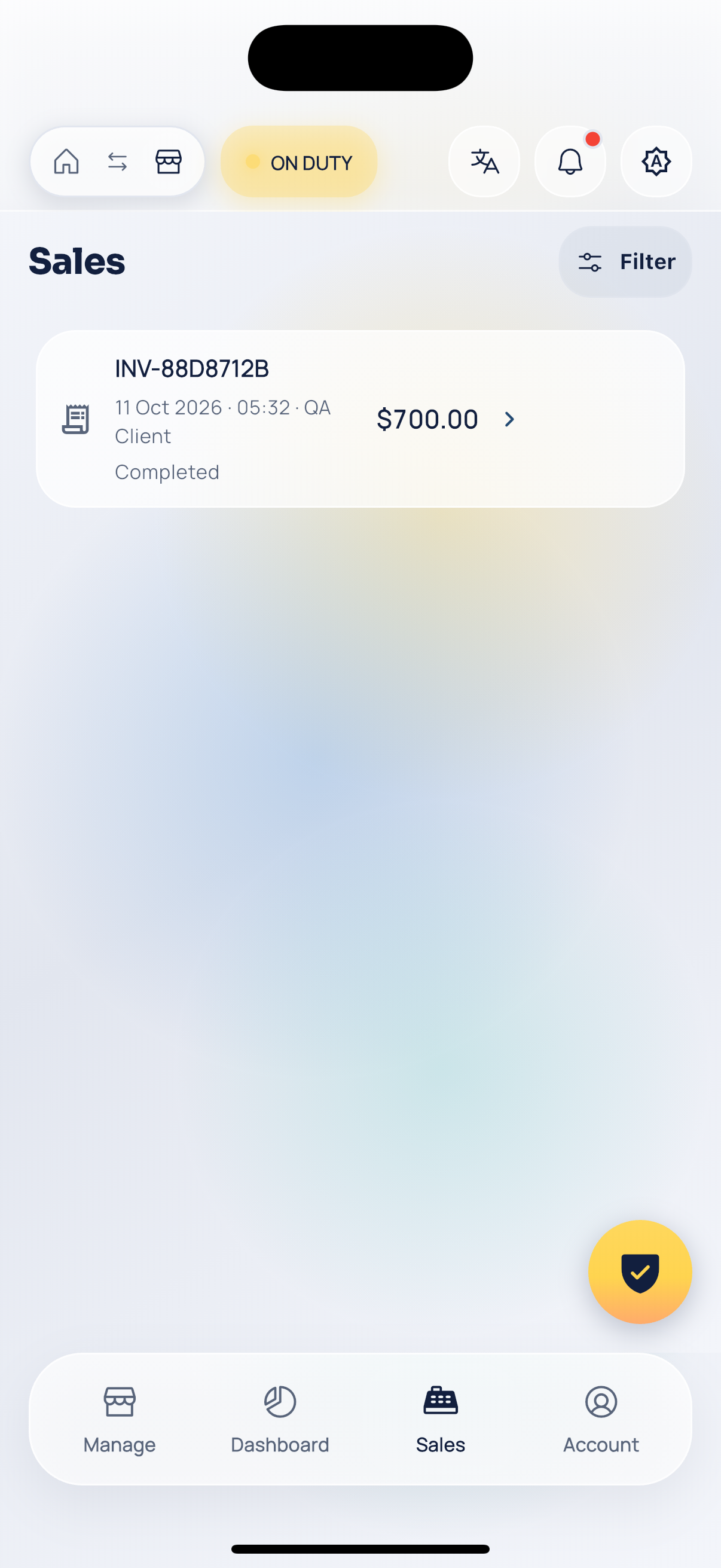
Business sales.
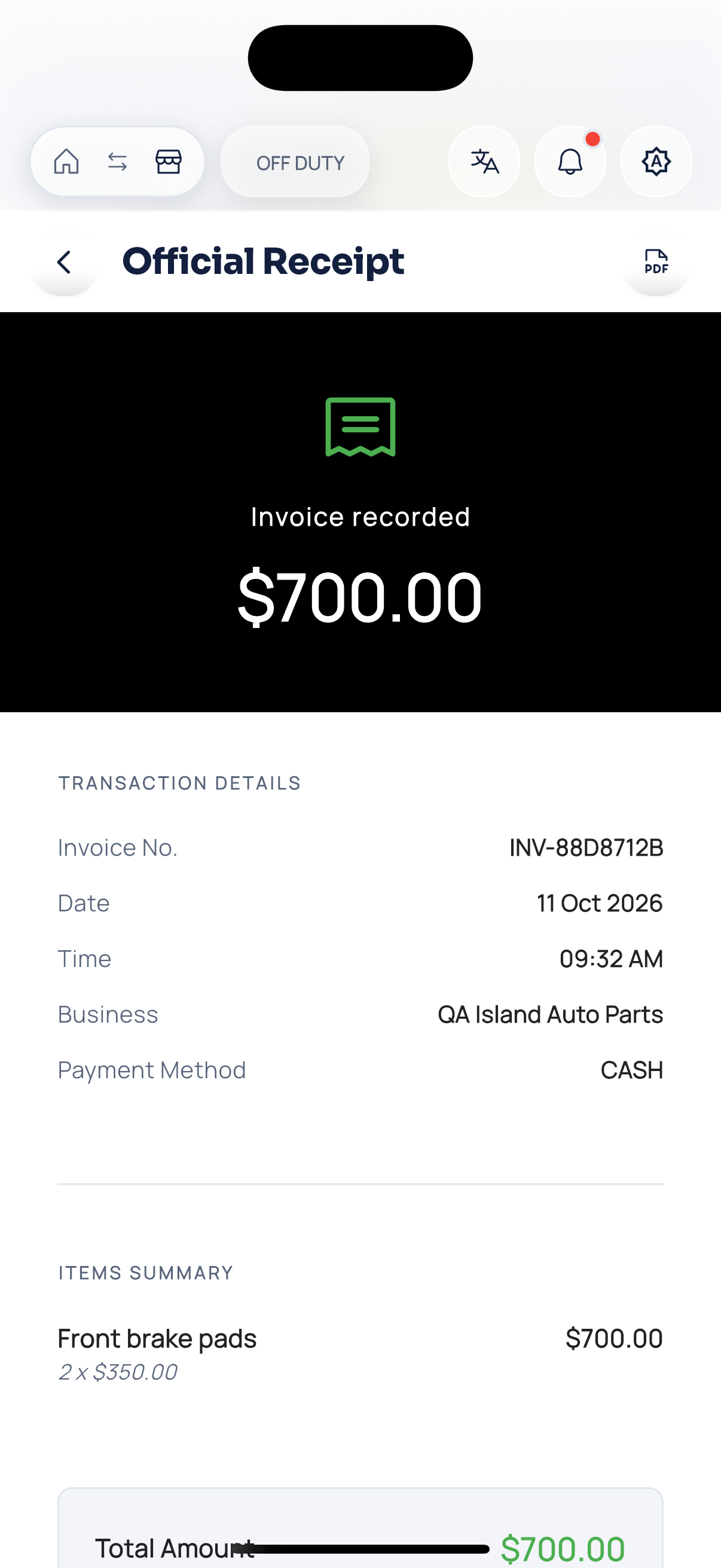
Business receipt.