Enterprise: Work on the Web Dashboard · 1 MIN READ
Use web tables, search and duty controls
Who this is for: Enterprise business owners and permitted staff
Steps
- Use the duty switch at the top when working with requests and sale actions.
- Search and filter the current table; use paging for more records.
- Use the add and refresh controls beside search.
- Use the horizontal scrollbar when the table is wider than the window.
- Open a record to see its details without losing the workspace.
Before you finish
The web dashboard follows the same request/order/sale process as the mobile app. Some owner-only sections are hidden from staff.
Screen guide
Fictional development examples. Prices, balances and account details are not real transactions.
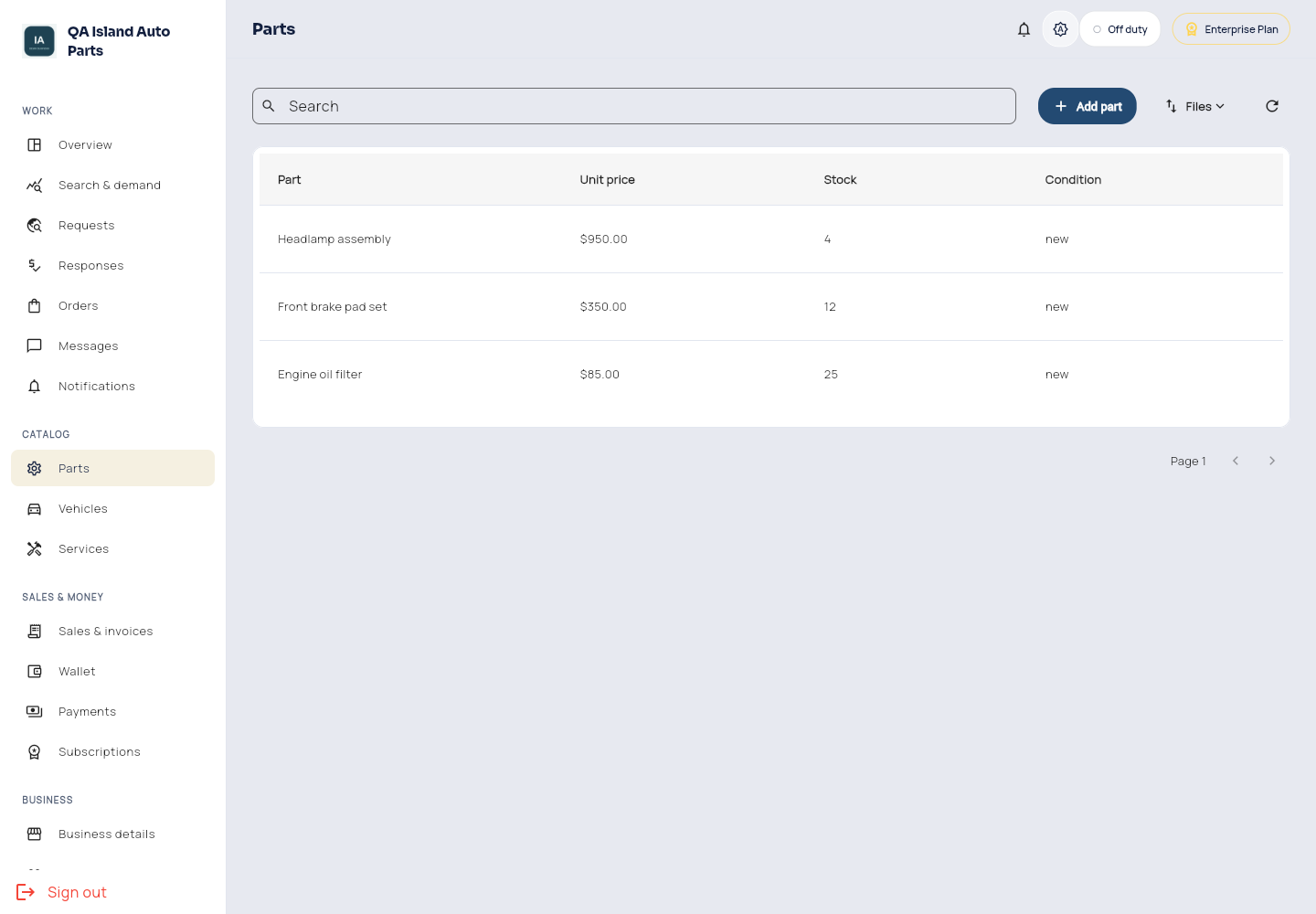
Enterprise parts.