Enterprise: Work on the Web Dashboard · 2 MIN READ
Export tables, sales and invoices
Who this is for: Enterprise business owners and permitted staff
Steps
- Open Parts, Vehicles, Orders or the relevant sales/invoice area.
- Choose the available CSV or PDF export action.
- Review the file scope: table search/filter controls do not automatically restrict a business bulk export.
- Review the downloaded file and its business letterhead where applicable.
- Use a saved invoice’s Print/download action for an individual invoice.
Before you finish
Business bulk exports include the business records, with a 10,000-record limit; they are not automatically restricted by the visible table filters. Confirm the exported rows and totals before using the file as a report.
Screen guide
Fictional development examples. Prices, balances and account details are not real transactions.
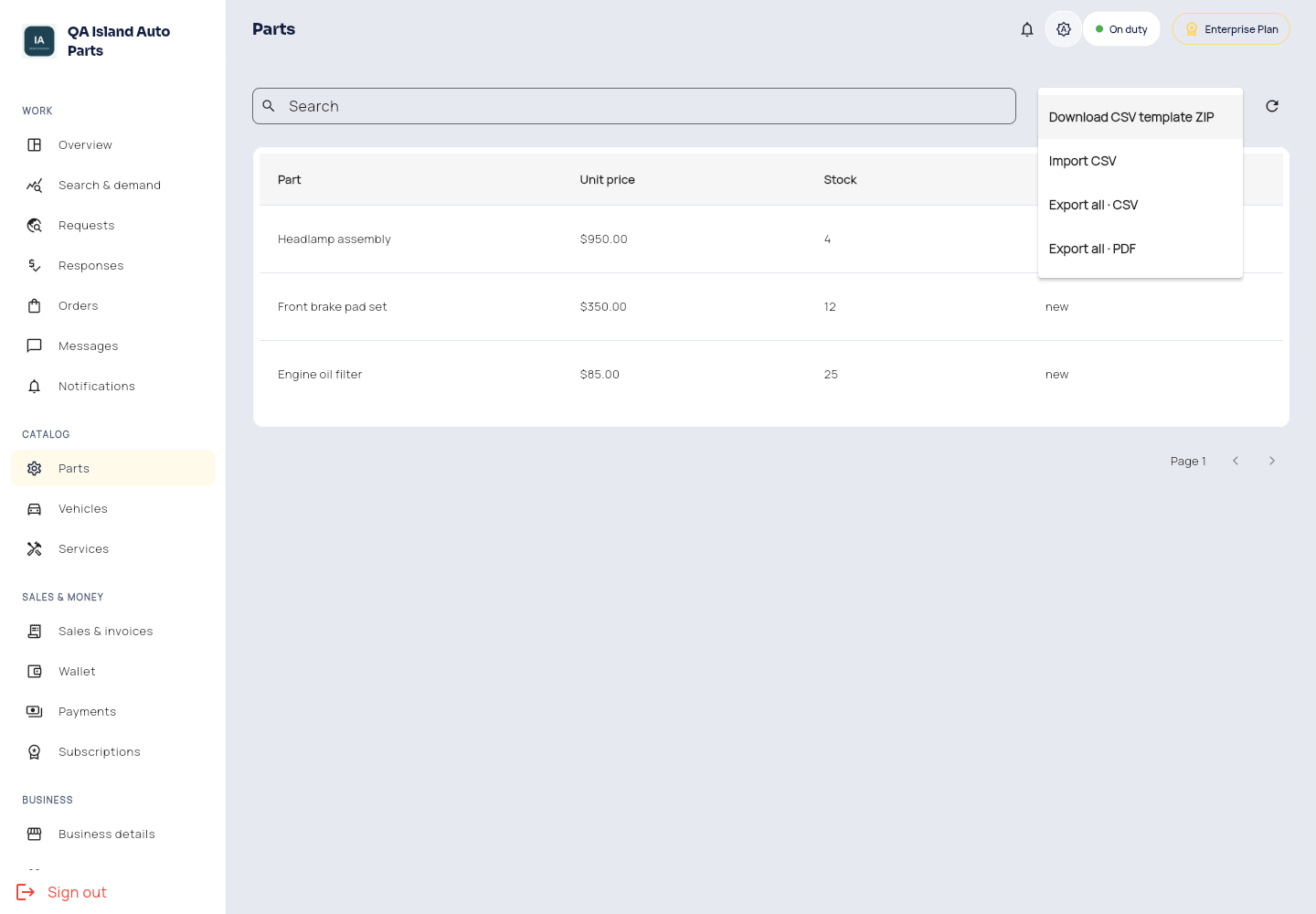
Enterprise files.
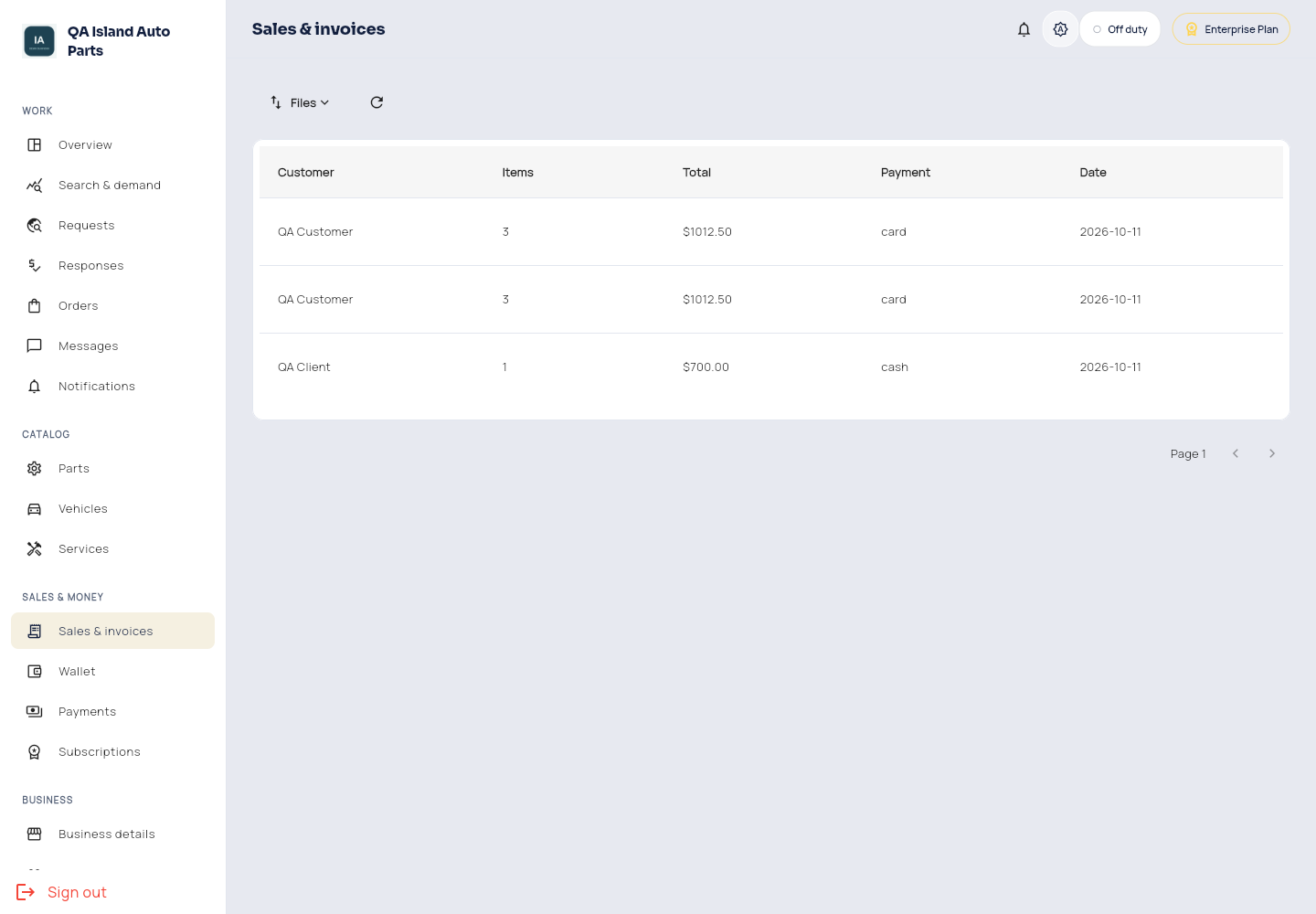
Enterprise sales.