Enterprise: Work on the Web Dashboard · 1 MIN READ
Import parts and vehicles using CSV templates
Who this is for: Enterprise business owners and permitted staff
Steps
- Open Parts or Vehicles and download the CSV template.
- Keep the template headers and fill rows with the required fields.
- Review names, numbers, stock/availability and any identifiers carefully.
- Use Import CSV and read validation errors before correcting and retrying.
- Review the saved table after import.
Before you finish
Orders are export-only and cannot be imported on behalf of customers. Use the template provided by the current dashboard rather than guessing column names.
Screen guide
Fictional development examples. Prices, balances and account details are not real transactions.
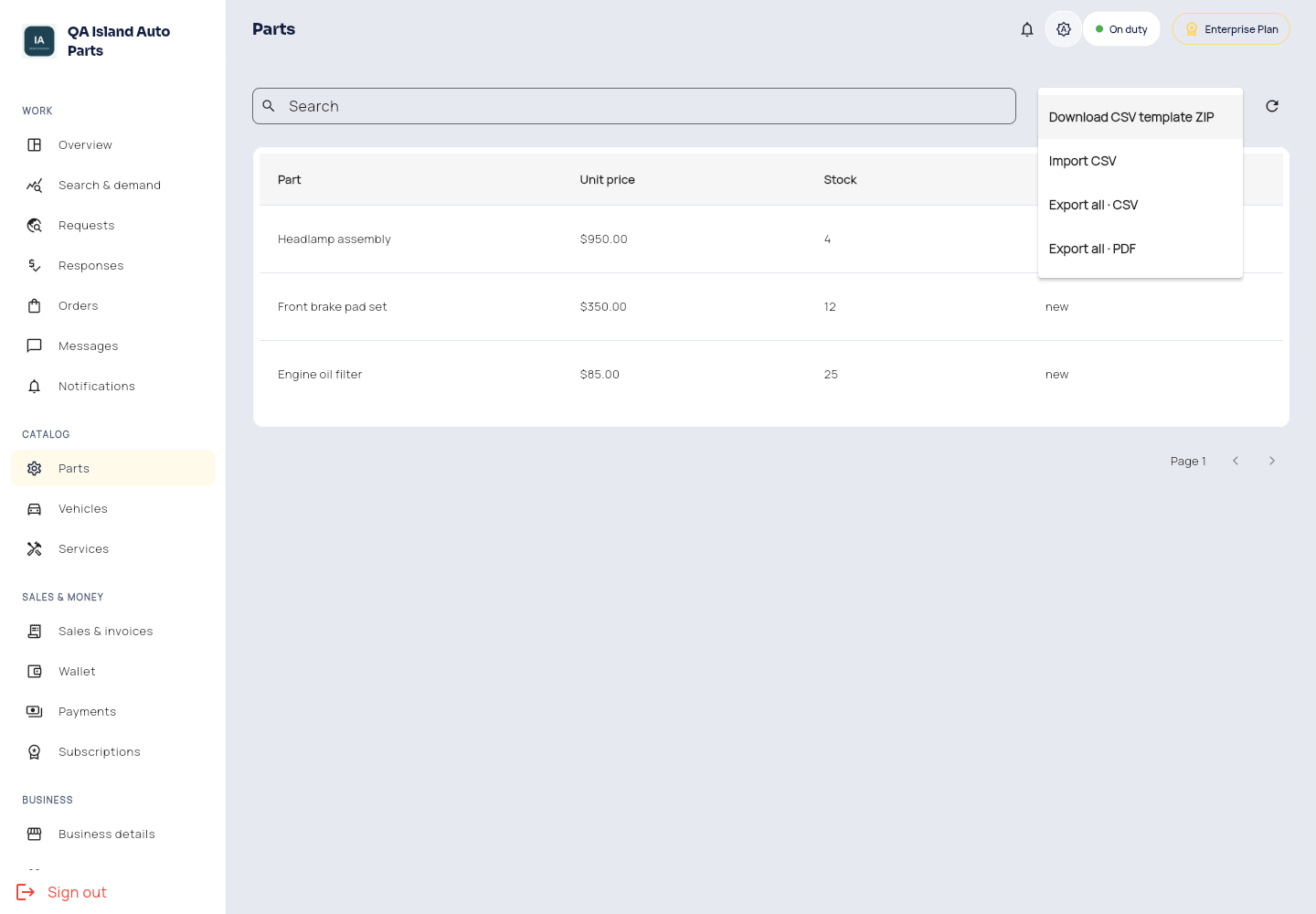
Enterprise files.
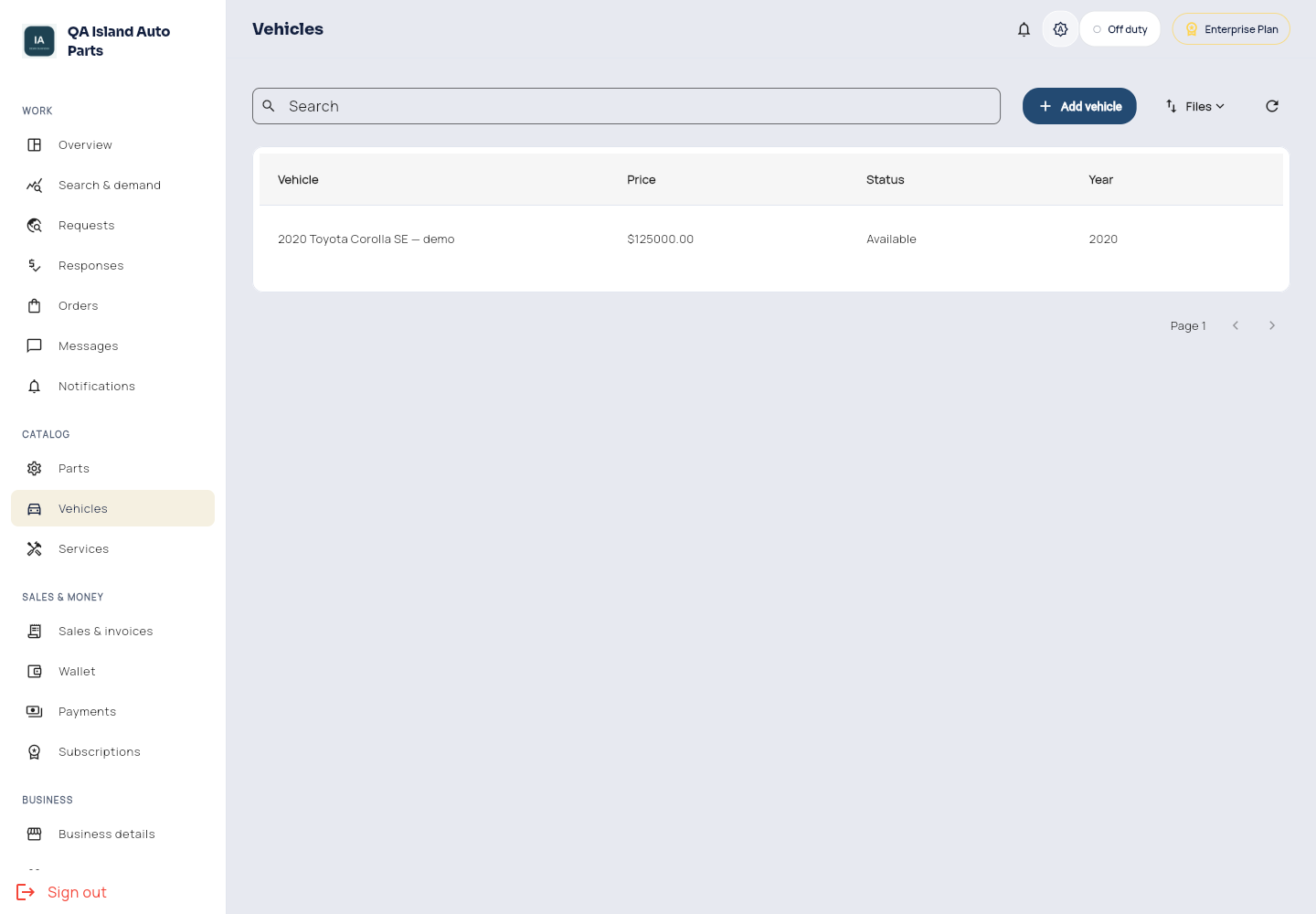
Enterprise vehicles.
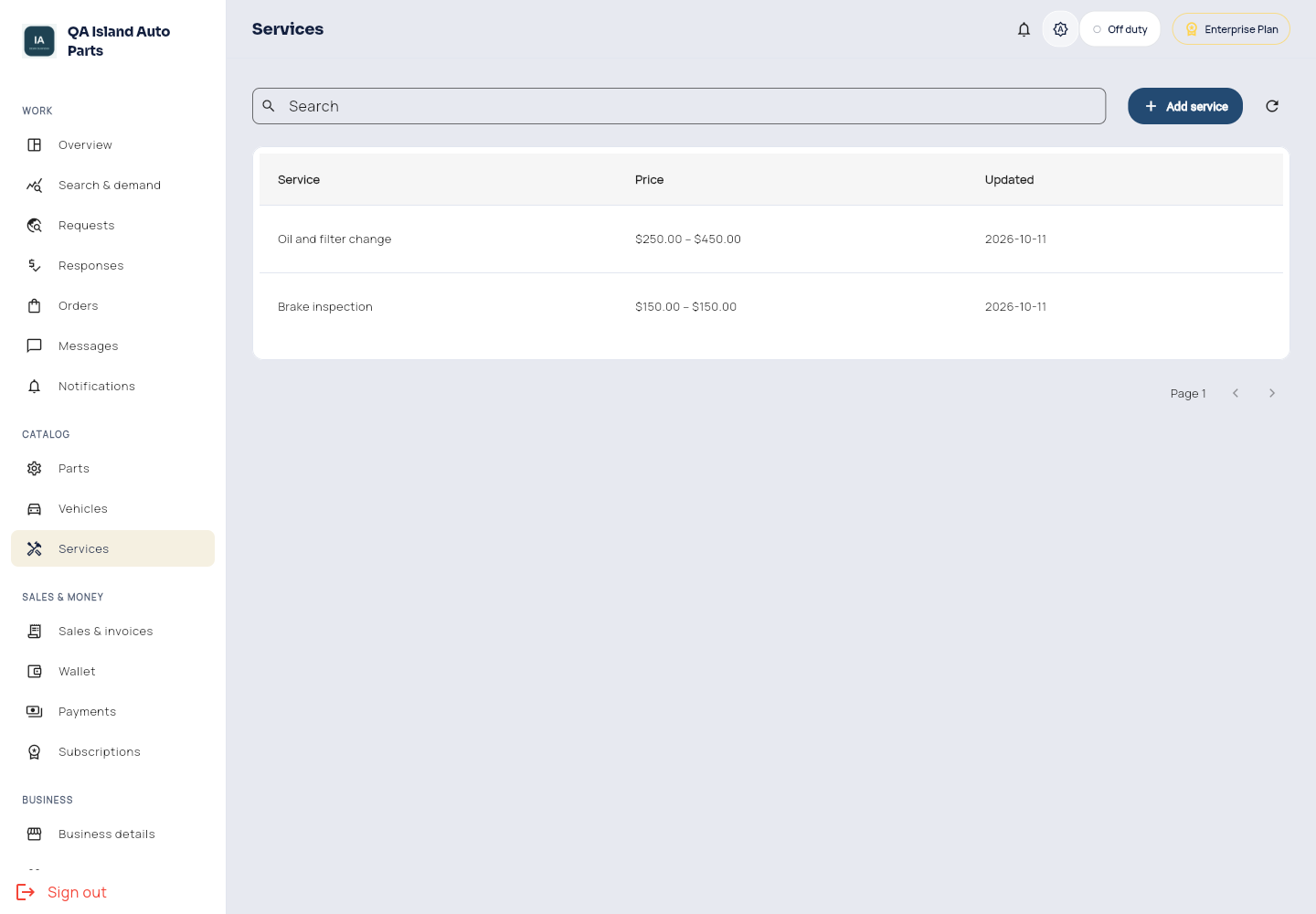
Enterprise services.