Businesses: Dashboard, Requests & Quotes · 1 MIN READ
Find a response by scanning the customer QR
Who this is for: Business owners and permitted staff
Steps
- Open Dashboard and Responses.
- Use Scan QR next to the search bar.
- Scan the customer’s request QR to locate your business’s response.
- Review the correct request and continue the permitted invoice flow.
Before you finish
Go on duty first and scan the QR for the right customer record. Direct marketplace orders use their own order QR flow.
Screen guide
Fictional development examples. Prices, balances and account details are not real transactions.
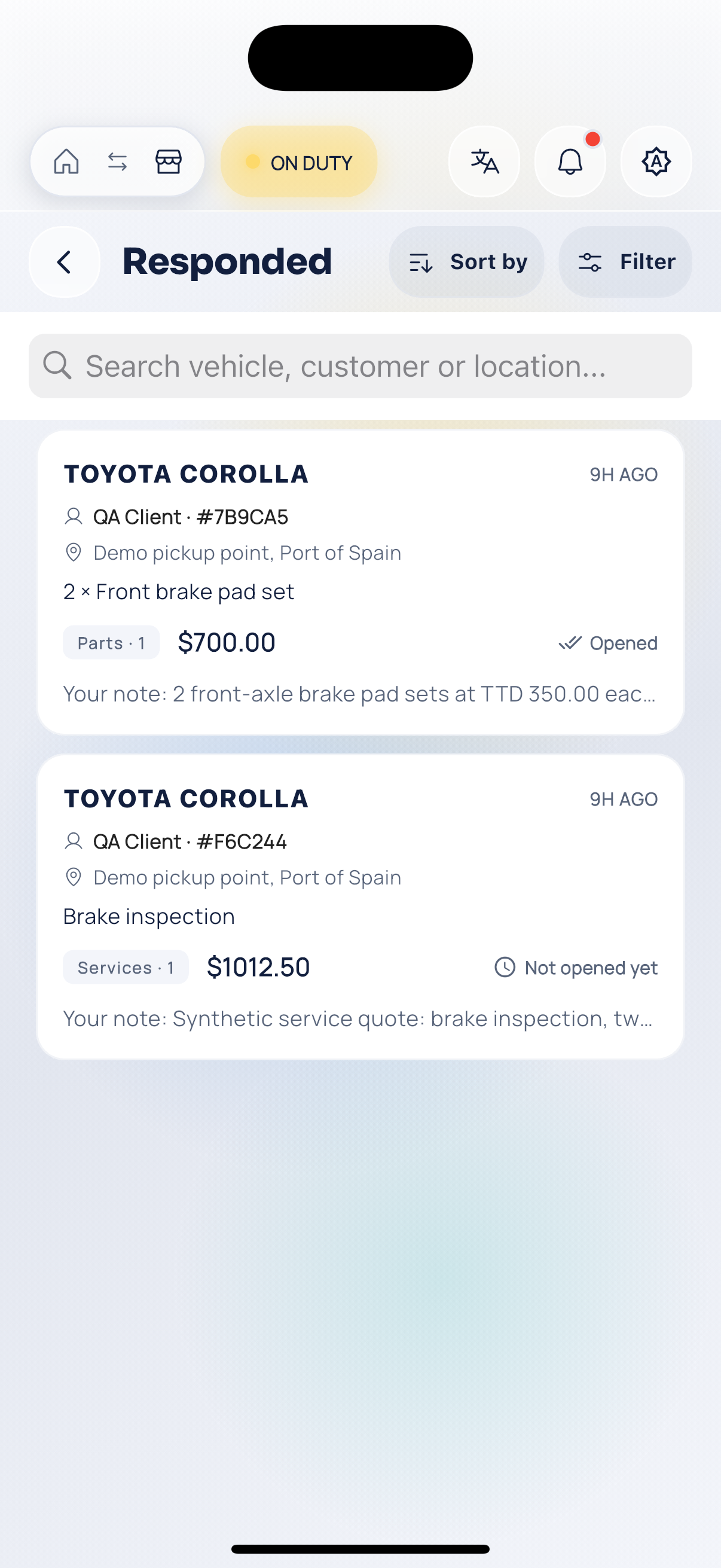
Business quotes.