Everyone: Safety & Help · 1 MIN READ
Use safety mode during a meeting
Who this is for: Everyone
Steps
- Open the safety shield on the main app tabs.
- Read the safety prompts and permissions before starting a session.
- On first use, create and confirm a four-digit safety PIN; enable fingerprint unlock if offered.
- Turn safety mode on using your PIN or fingerprint and check the session countdown.
- Turn it off with your PIN or fingerprint when finished; it also ends after the configured session duration.
Before you finish
Safety mode is not a replacement for local emergency services. Keep your PIN private and use the available emergency/contact controls when needed.
Screen guide
Fictional development examples. Prices, balances and account details are not real transactions.
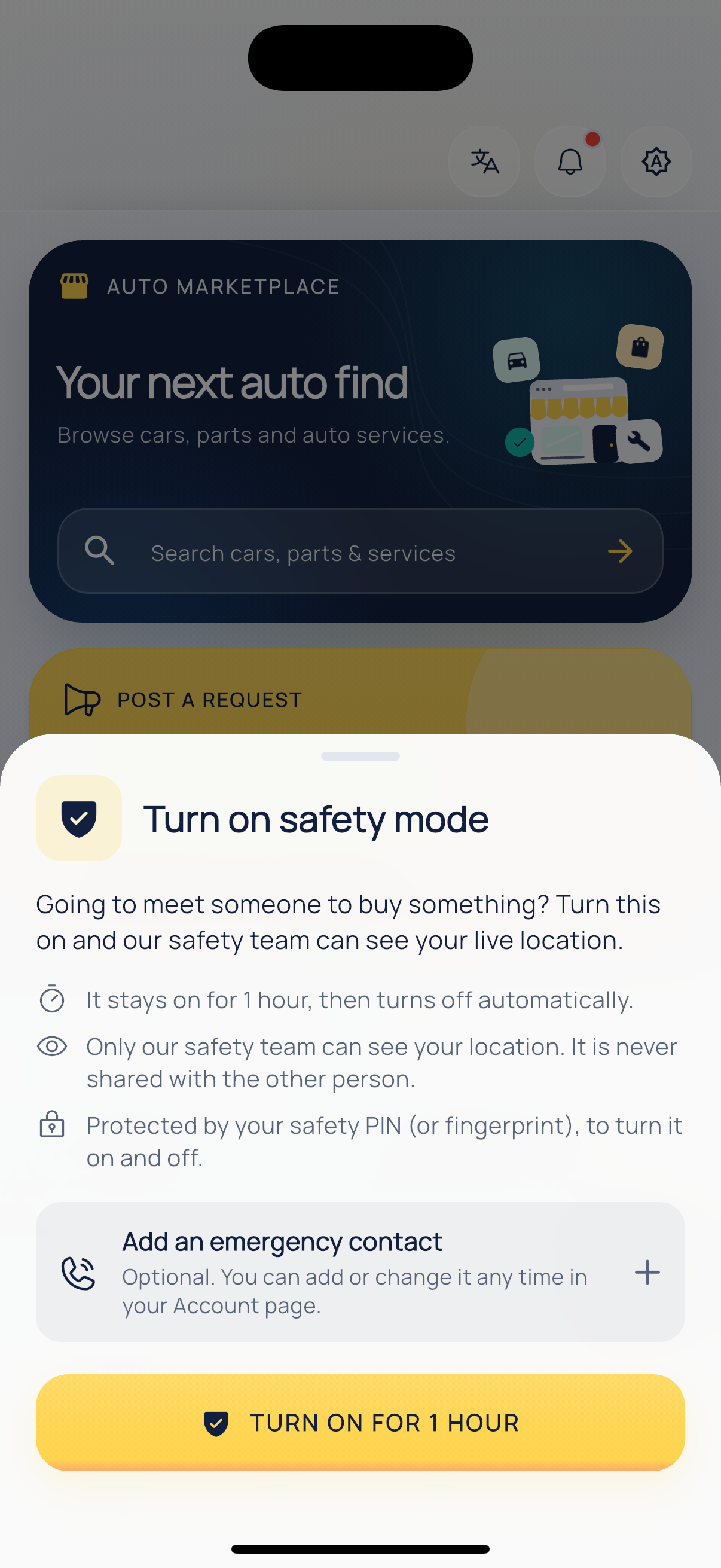
Safety mode.