Everyone: Safety & Help · 1 MIN READ
Reset a forgotten safety PIN
Who this is for: Everyone
Steps
- Open the safety shield and use Forgot PIN? from the PIN screen.
- Request the reset code and check the email for your account.
- Enter the reset code in the app; use Send a new code if needed after the allowed wait.
- After the PIN is removed, create and confirm a new four-digit PIN when safety mode prompts you.
- Set up fingerprint unlock again if offered.
Before you finish
A safety PIN reset is separate from changing your sign-in password. Never record or share the real PIN or reset code.
Screen guide
Fictional development examples. Prices, balances and account details are not real transactions.
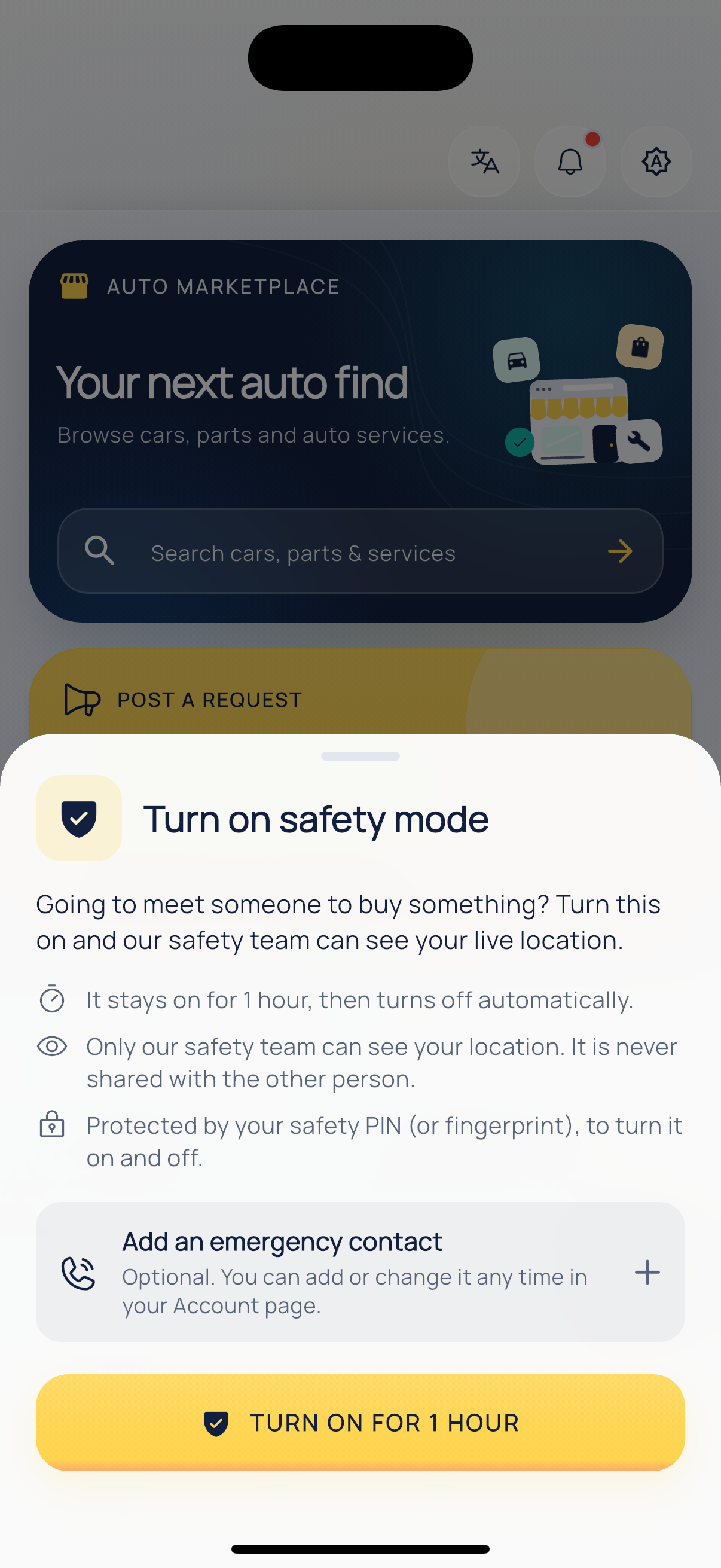
Safety mode.