Customers: Browse Auto Marketplace · 1 MIN READ
Read listing and business details
Who this is for: Customers
Steps
- Tap a car, part or service business to open its details page.
- Review photos, description, availability and price information.
- Read the business details, ratings, badges and contact options.
- For services, open the shop and switch between Services, Vehicles and Parts.
- Check any related services shown below a car or part.
Before you finish
Verified and Certified are separate badges. Premium is a subscription badge. Always confirm the exact item or scope of work with the business.
Screen guide
Fictional development examples. Prices, balances and account details are not real transactions.
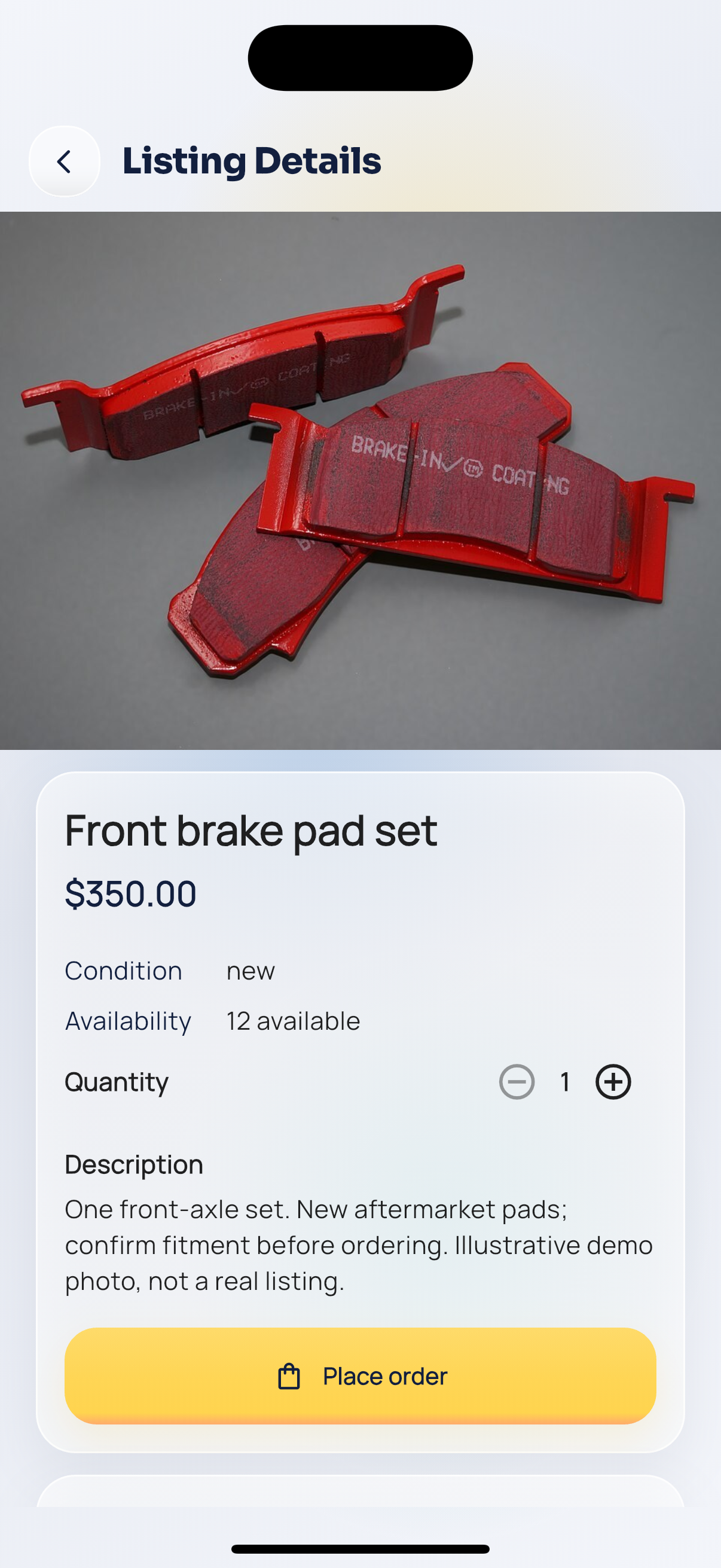
Part details.
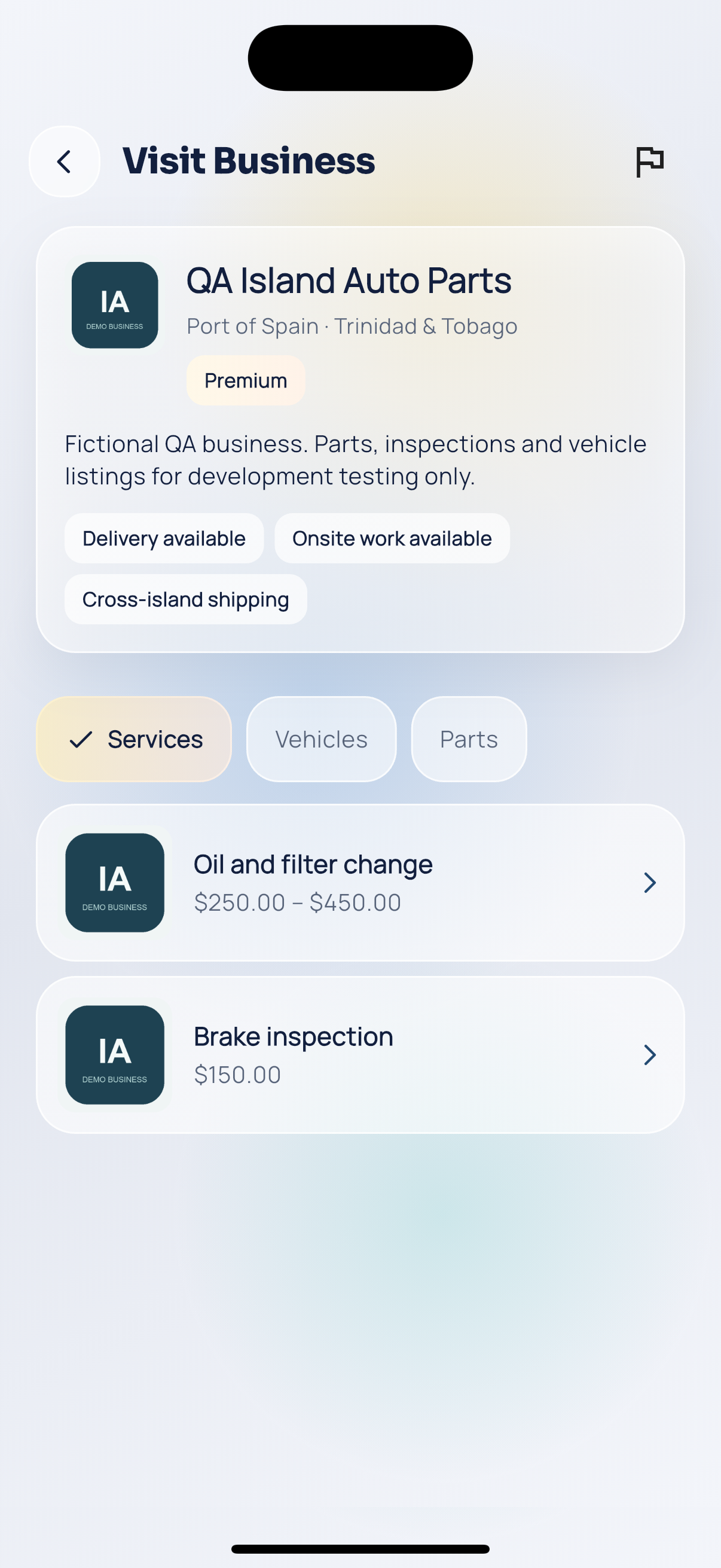
Shop.