Start Here: Account & Navigation · 1 MIN READ
Change language, appearance and preferences
Who this is for: Everyone
Steps
- Open Account and Settings.
- Review the language, appearance and other preferences available on your device.
- Choose the settings you need and return to the app.
- If a preference is missing, check whether it is available on that platform or ask support.
Before you finish
Device notification permissions are managed in device settings as well as any options shown in the app.
Screen guide
Fictional development examples. Prices, balances and account details are not real transactions.
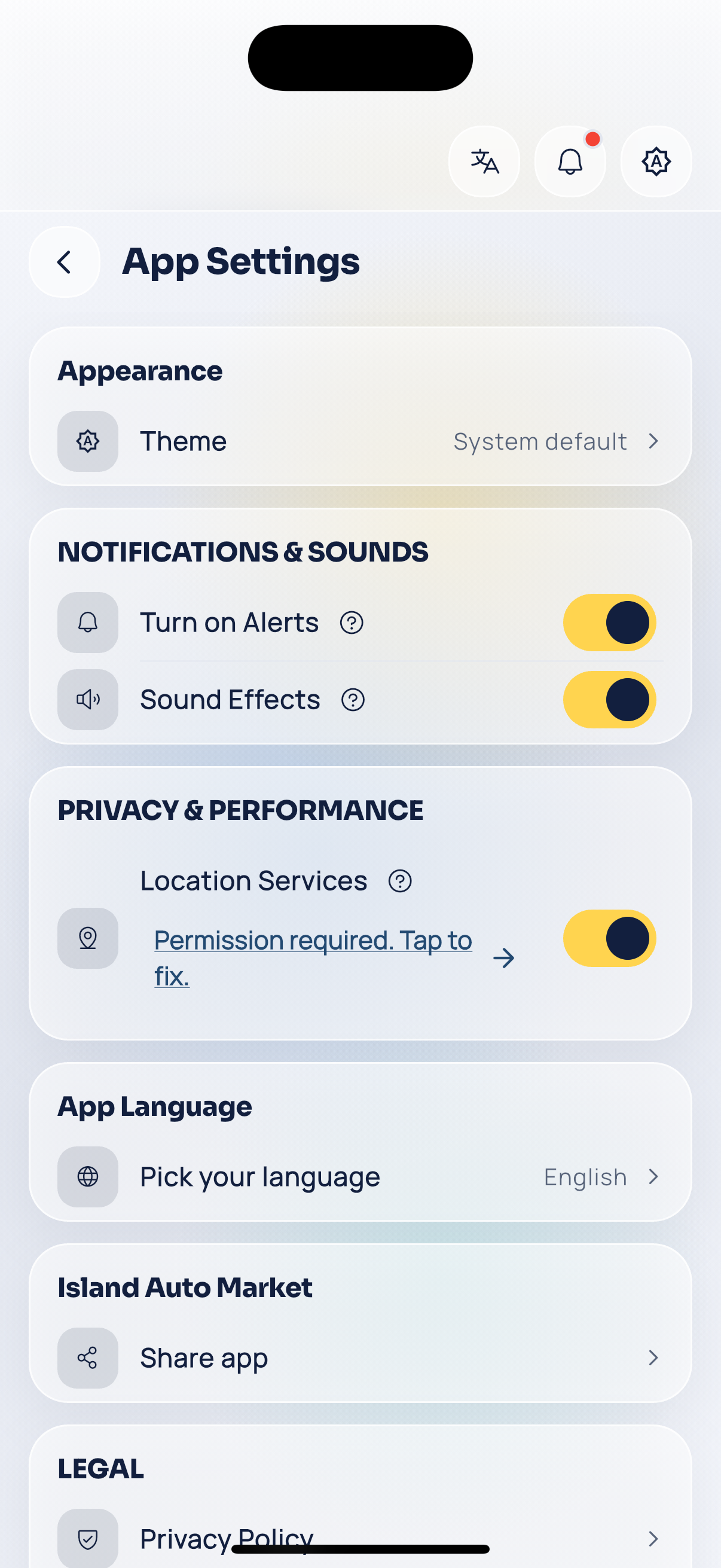
Customer settings.