Start Here: Account & Navigation · 1 MIN READ
Create your account and verify your email
Who this is for: Everyone
Steps
- Open the app and choose the sign-up option. Enter your email and account details.
- Open the verification email and enter its code on the verification screen.
- If the code has not arrived, check your spam folder and the email address you entered. Wait for the resend option before requesting another code.
- Complete your profile and choose the correct country and location.
Before you finish
Email verification confirms your account email. Business verification and certification are separate reviews.
Screen guide
Fictional development examples. Prices, balances and account details are not real transactions.
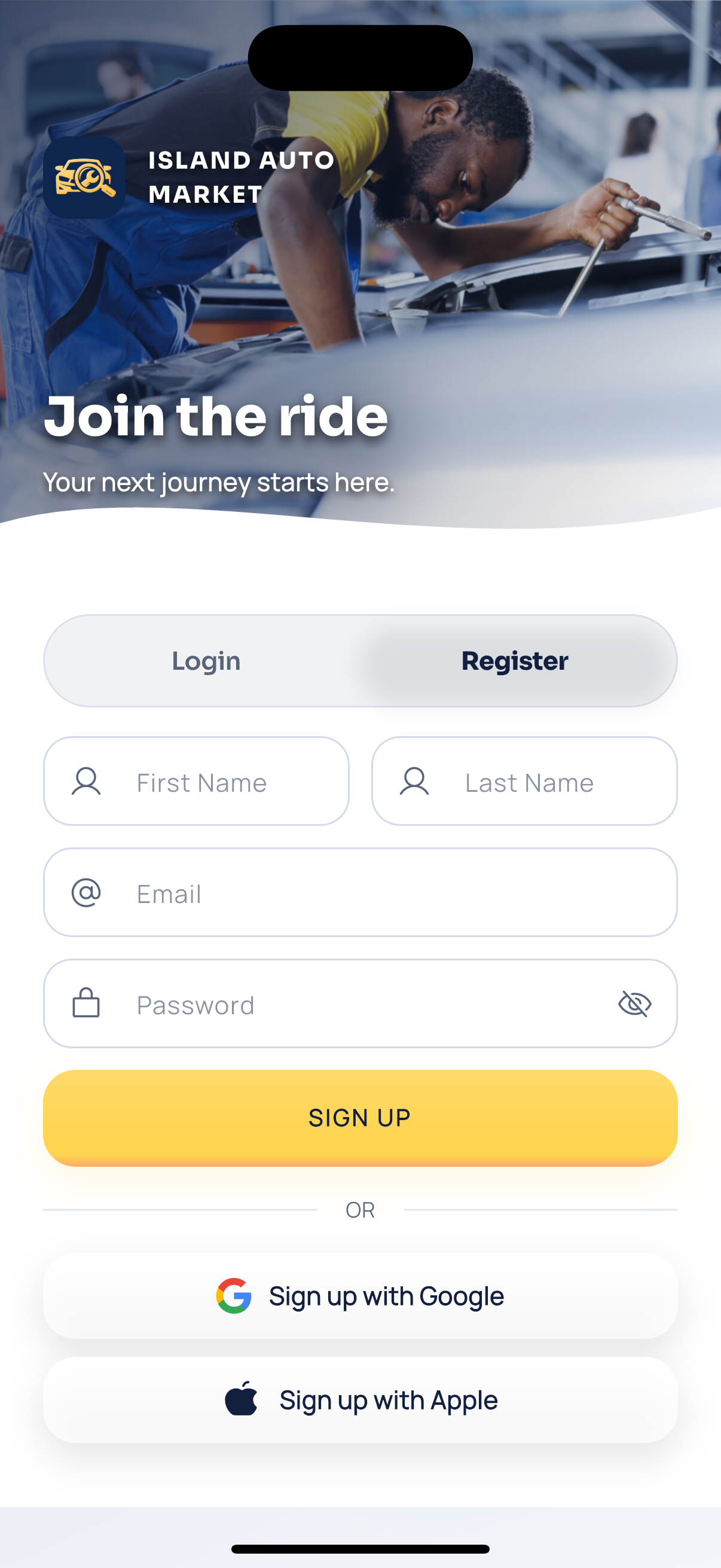
App register.
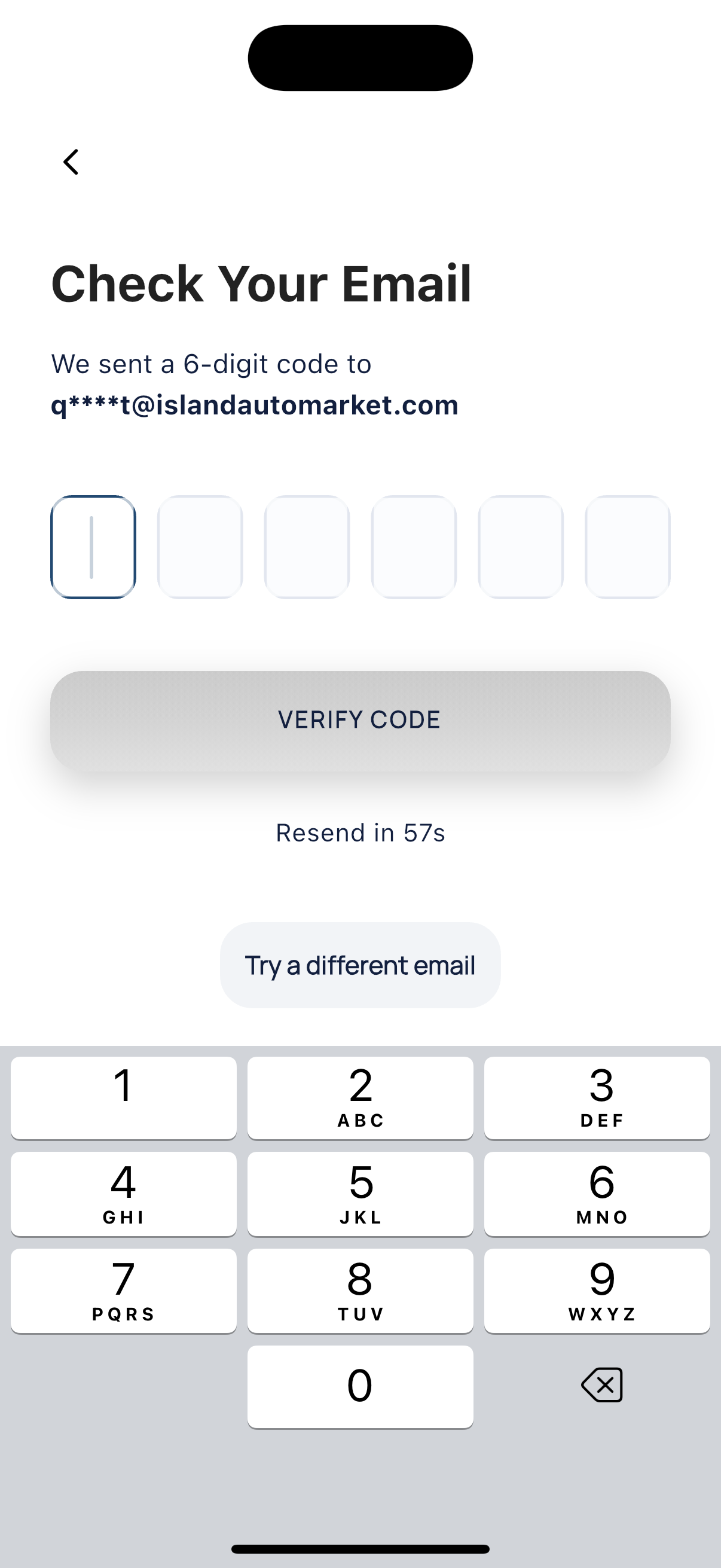
Email verification.
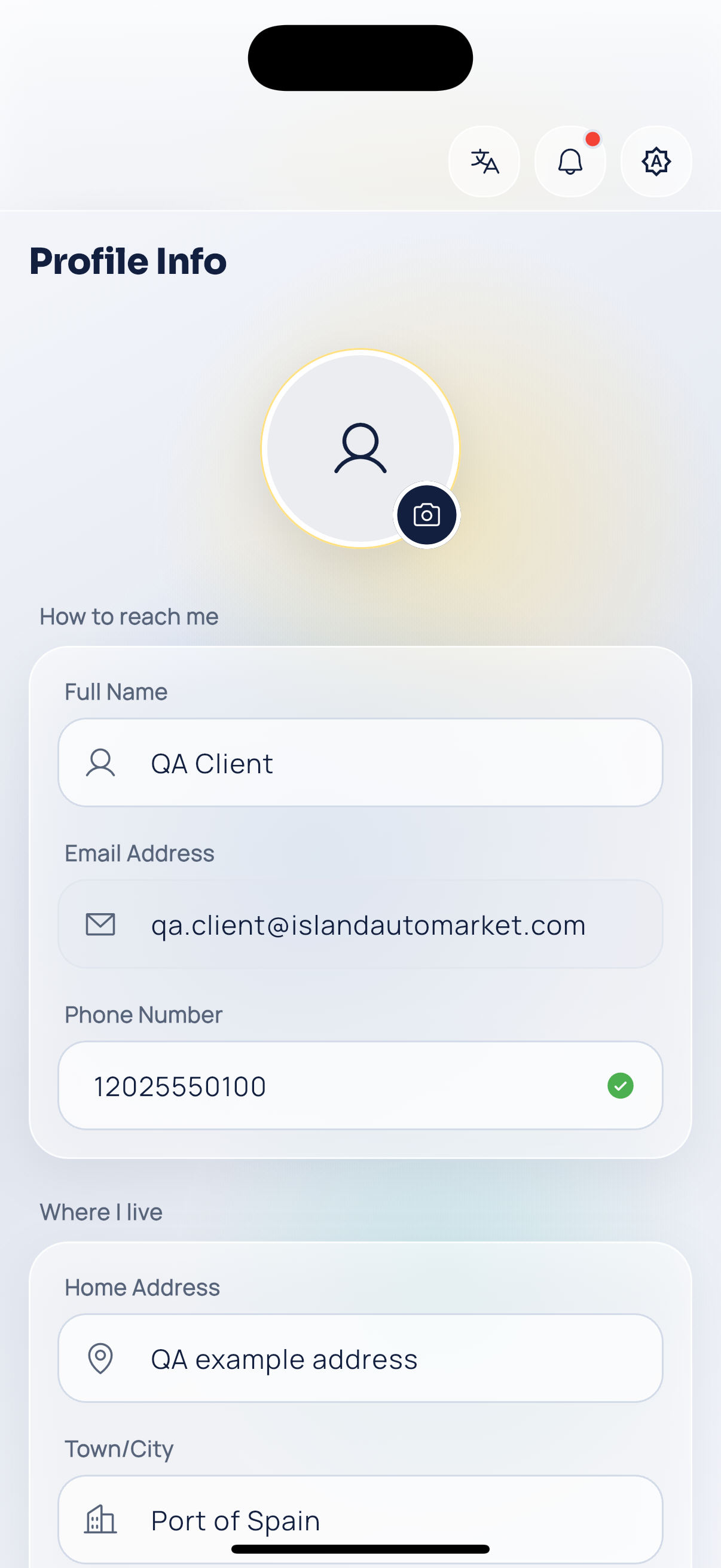
Customer profile.