Businesses: Parts, Cars & Services · 1 MIN READ
Add and edit a part listing
Who this is for: Business owners and permitted staff
Steps
- Open the parts/inventory management page, or use Add in Auto Marketplace.
- Enter the part name, description, condition and optional price.
- Add compatible vehicle make/model when relevant.
- Upload up to the configured photo limit; the default is three.
- Set stock tracking and save; cancel/back if you do not want to save edits.
Before you finish
Clear fitment and multiple photos help buyers identify the right item. A price can be left blank when a quote is needed.
Screen guide
Fictional development examples. Prices, balances and account details are not real transactions.
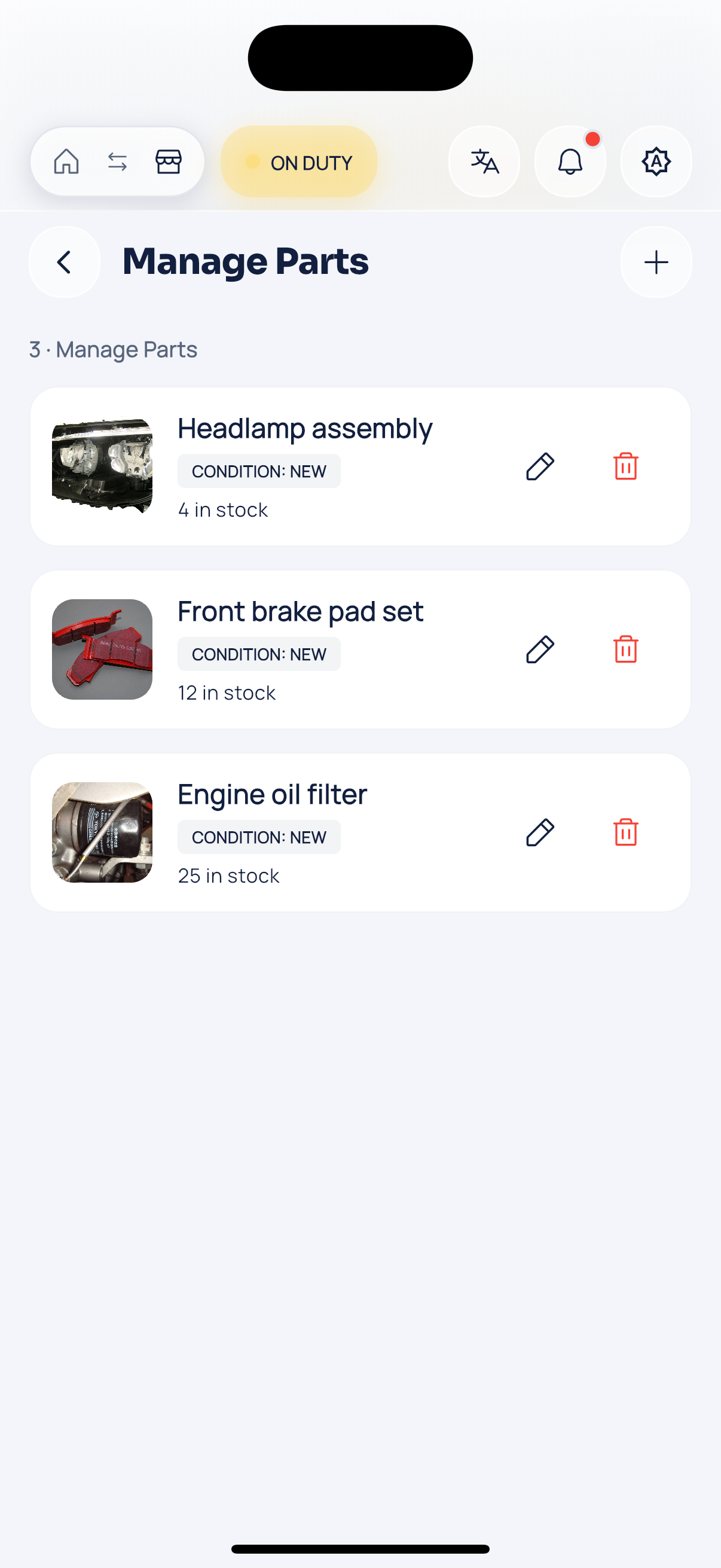
Business parts.
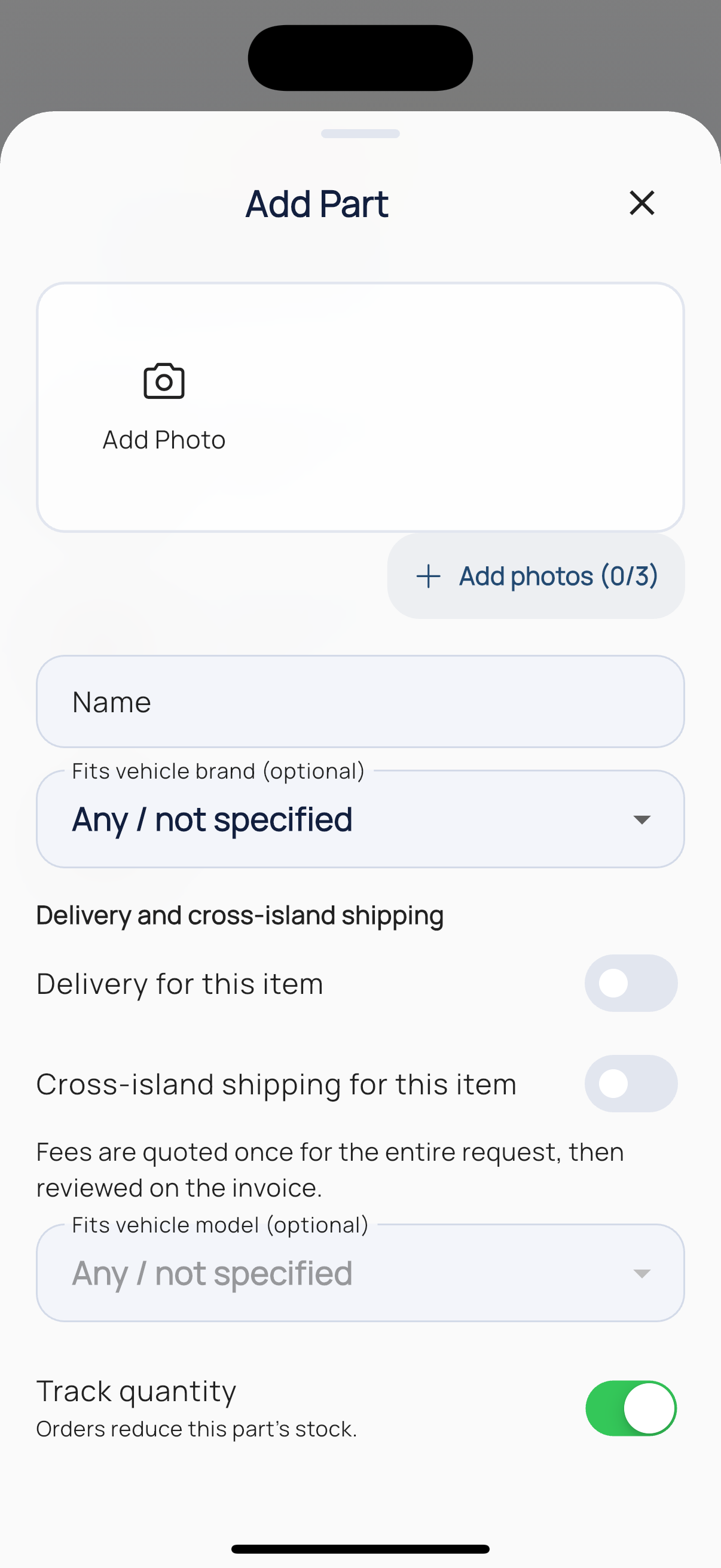
Part editor.