Business Owners: Billing, Wallet & Team · 1 MIN READ
Submit a bank transfer and follow its review
Who this is for: Business owners
Steps
- Choose bank transfer during the supported payment flow.
- Enter the bank/payment information and upload clear proof of payment.
- Review the external amount and any wallet-credit contribution, then submit.
- Open payment history to follow pending, completed or failed status.
- If review fails, read the reason and contact support with the reference.
Before you finish
Do not submit the same transfer repeatedly to force approval. Bank proof and the credited wallet portion are different amounts.
Screen guide
Fictional development examples. Prices, balances and account details are not real transactions.
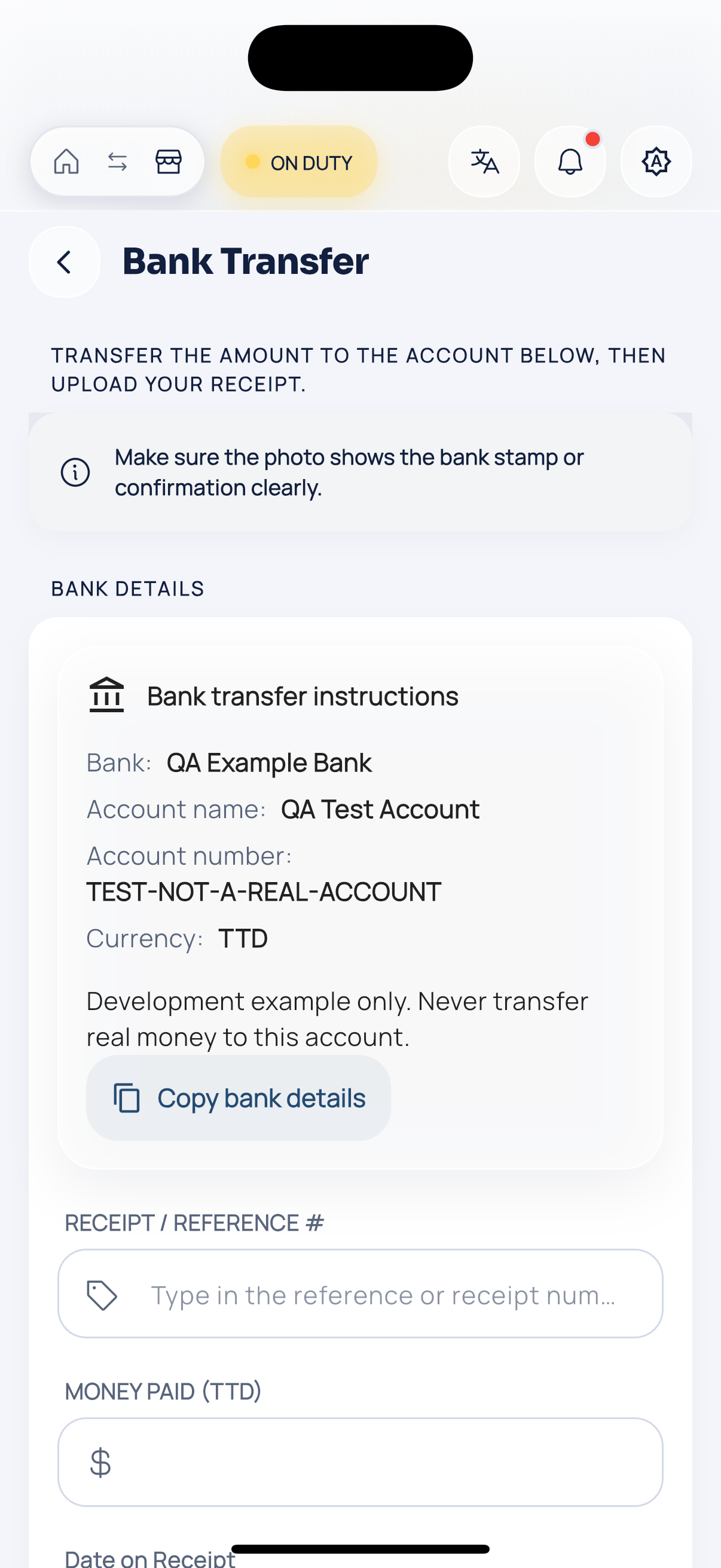
Bank transfer.
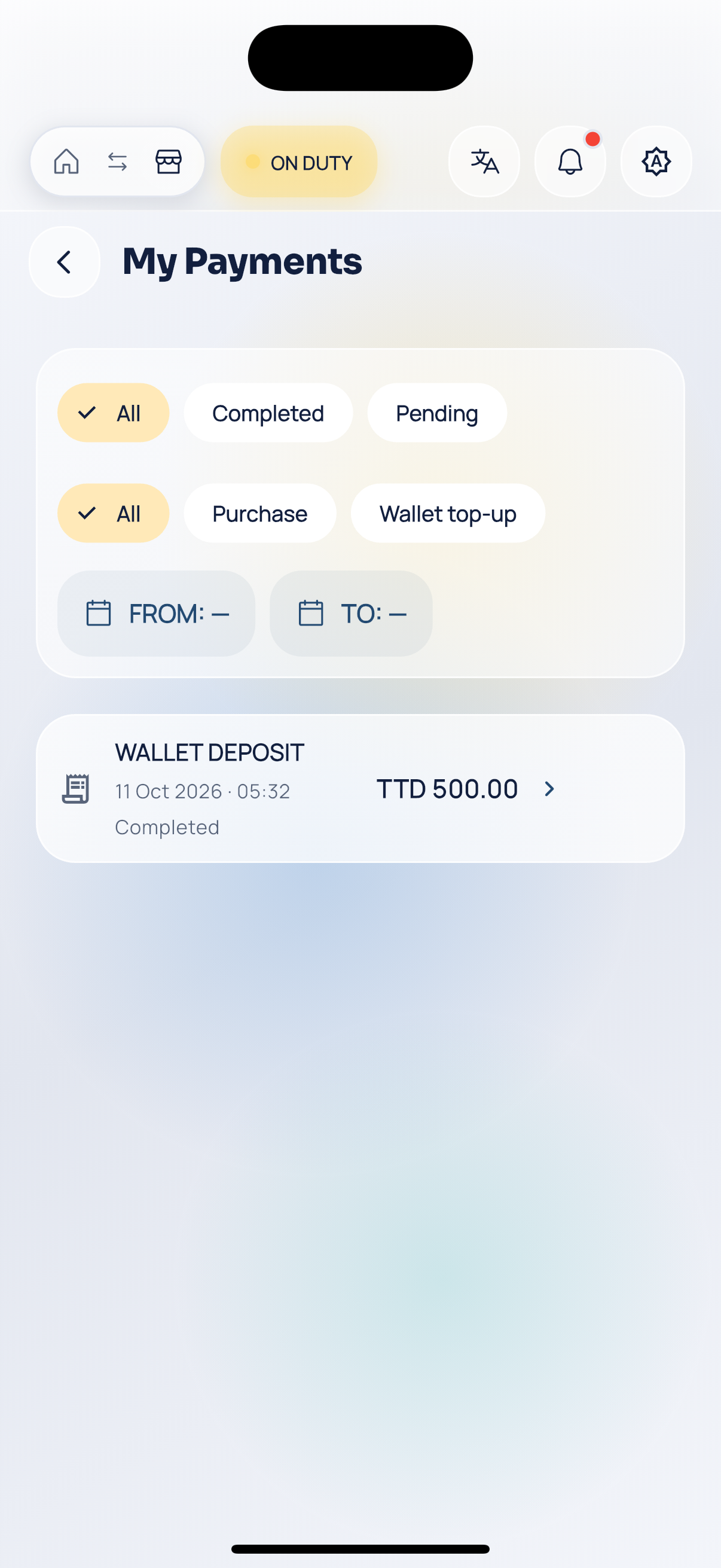
Payment history.